v2
Added the scene animation extractor; open-sourced on GitHub with online access.
Game dev tool · Free & open source · v2
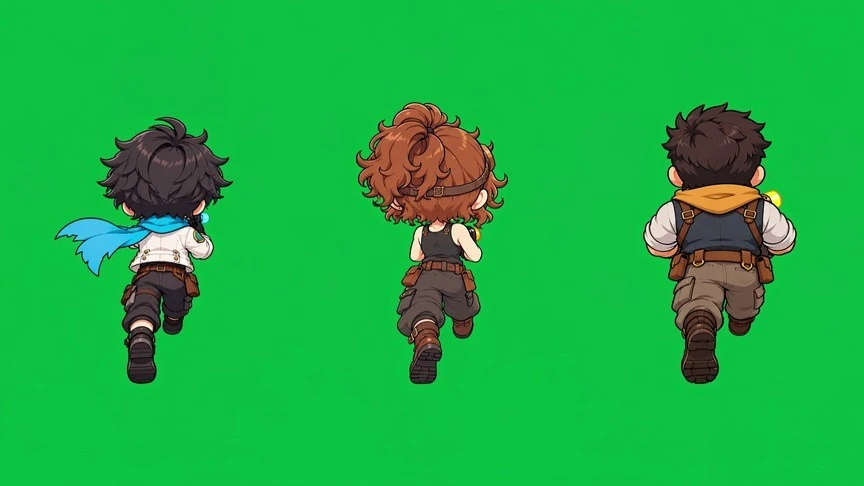
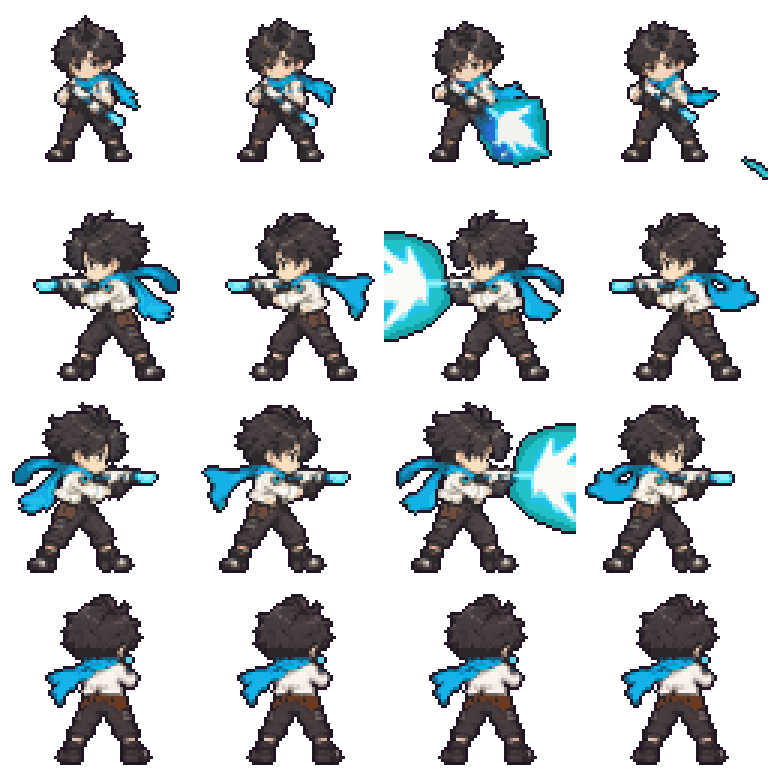
Turn green-screen character videos into pixel-art sprite sheets for your game.
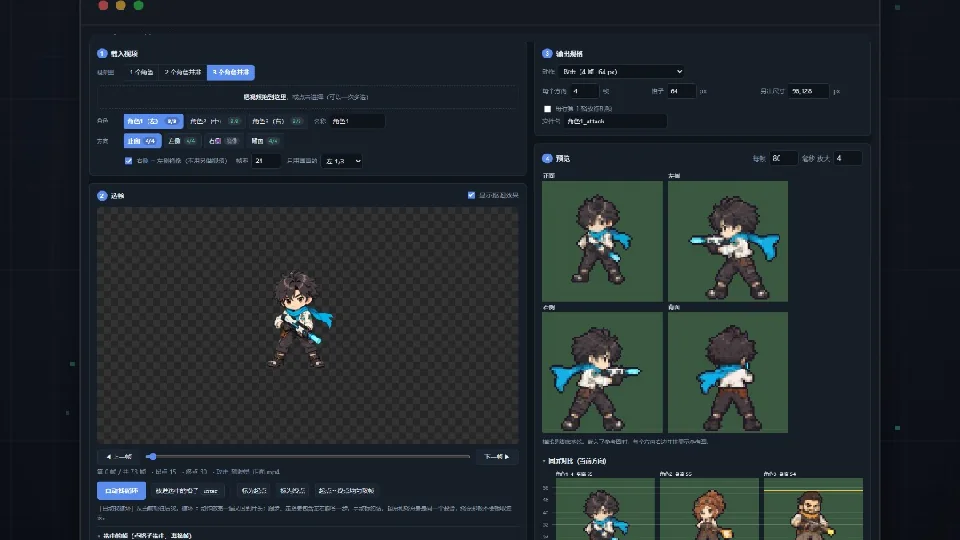 View image ↗
Extract frames from AI character videos: auto loop, keying, height and color with live preview, multi-direction sprite sheets. Runs in your browser, fully offline.
Any OS with Chrome or Edge; the scene script needs Python 3.9+
Code is open source under the MIT license: free to use, modify and use commercially, with attribution. The demo images are game art from Xingmeng EV and are not covered by the license.
The UI is in Chinese. Step-by-step notes are in 使用说明.txt.
场景动画抽帧.py handles looping scene props: one prop or a 2×2 grid per video. It outputs a sprite strip and a preview GIF for each prop. It detects the background color automatically and removes the glow fringe.
pip install opencv-python numpy pillow
python 场景动画抽帧.py video.mp4 --grid 2 --n 12 --size 128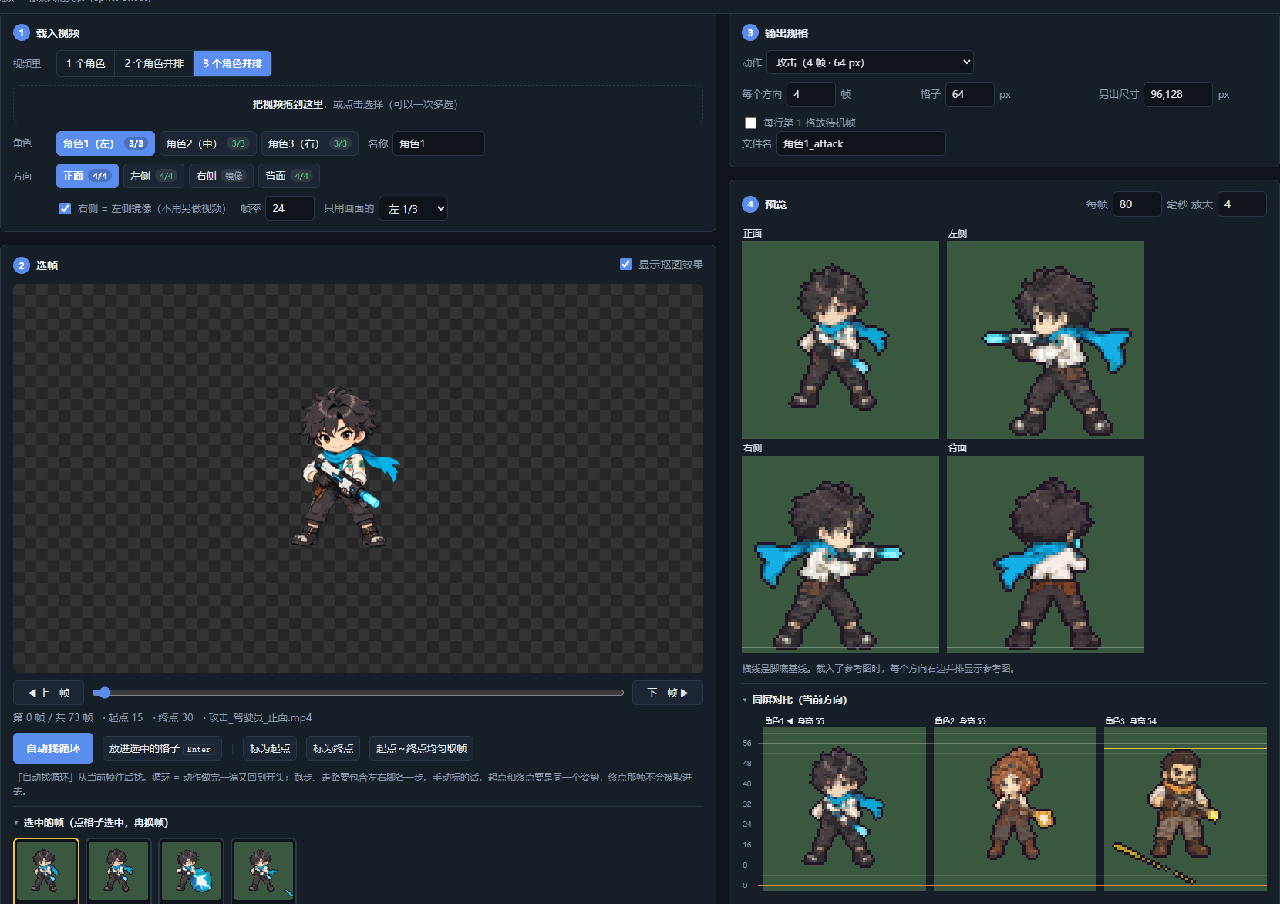
Added the scene animation extractor; open-sourced on GitHub with online access.
Web version released.
Have thoughts about Video Sprite Extractor? Share your experience, feature ideas or bugs here.