Productivity · Free to share · v1.2.0
LanKVM
One keyboard and mouse. Up to five computers.
 View original ↗
Control up to five computers with one keyboard and mouse. Move between screens and transfer files directly between secondary computers without a host relay.
Download & get started
Windows 10 / 11 (64-bit) · macOS 11+ (beta) · v1.2.0
Rights & licensing
Shared free of charge with source code. Commercial use is not permitted.
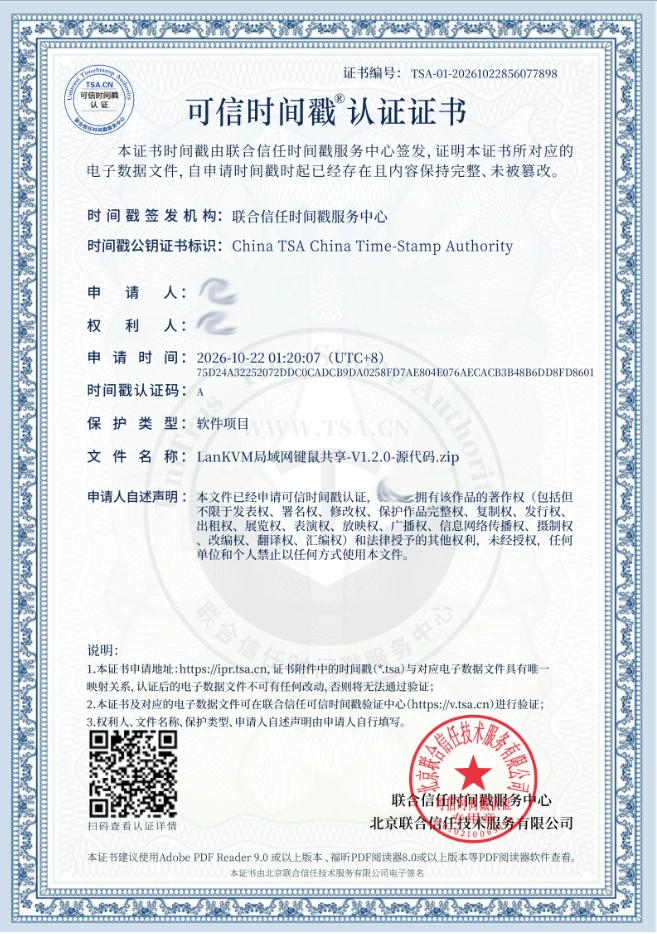
Trusted timestamp certificate (Chinese original)
LanKVM v1.2.0 source-code record · Personal details redacted
 View full-size image ↗
Features & guide
Connect one secondary computer to each edge of the host: top, bottom, left and right. Share text, files and folders across up to five computers. The macOS version is in beta.
- Connect one secondary computer to each edge of the host, for five computers in total. Move the pointer across an edge to switch control.
- Copy text, files and folders between computers. Secondary computers transfer directly to each other. Windows also supports an edge drop zone.
- Install on every computer. Set the computer with the keyboard and mouse as the host, the others as secondary computers, and use the same pairing password.
- Ctrl+Alt+H returns control to the host; Ctrl+Alt+L locks control locally. Ctrl and Command can be swapped when controlling a Mac from Windows.
- Use on a trusted local network. Pairing uses a password, but traffic is not encrypted. macOS support is in beta.
AI-generated feature illustration. The actual interface may differ. The macOS version is in beta.
Comments & feedback
Let’s make it better
Have thoughts about LanKVM? Share your experience, feature ideas or bugs here.